Titanium AI ring
Say it.
Hold the ring, say one sentence, let go. MARK answers questions, sends messages and gets things done across your phone, your computer and your AI agents.It answers, messages and gets things done.
6.2 mm wide · 1.8 mm thin · ≈5 days per charge
Hold. Speak.
Let go.
A force pad under the titanium, a microphone on the bevel, a tap on your finger when it’s done. One sentence can be several jobs.
“
- Claude CodeWaiting
- Telegram · MarinaWaiting
52 parts. 1.8 millimetres.
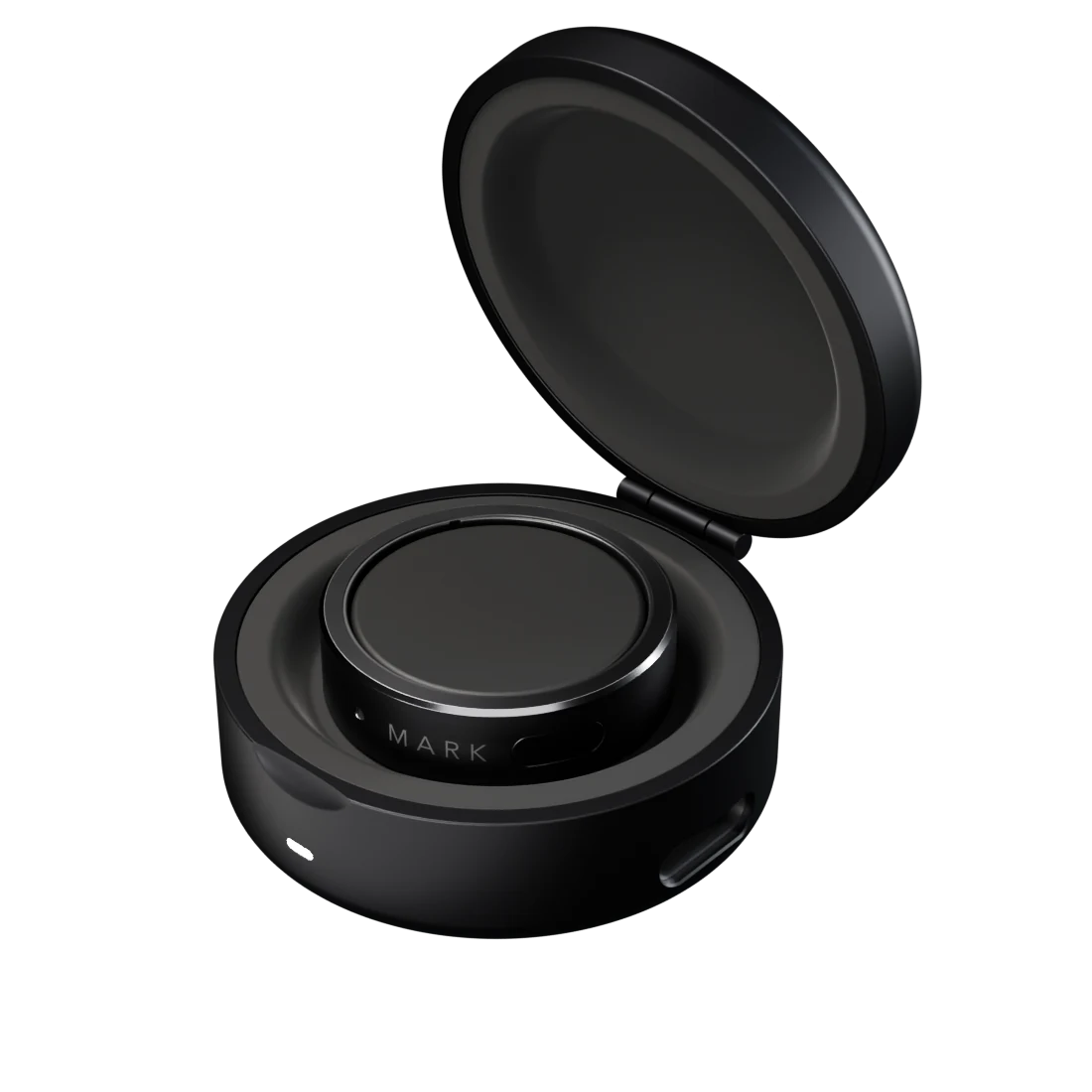
MARK Case
Drop it in.
It finds its place.
Magnets seat the ring on two gold contacts and the light comes on. A full charge takes about an hour, and the case carries 6 of them.
- ≈60 minFull charge
- 6×Charges inside
- 36 mmUSB-C
Three finishes.
All titanium.
Graphite · Brushed titanium, deep grey
On your hand
Slim enough to forget.
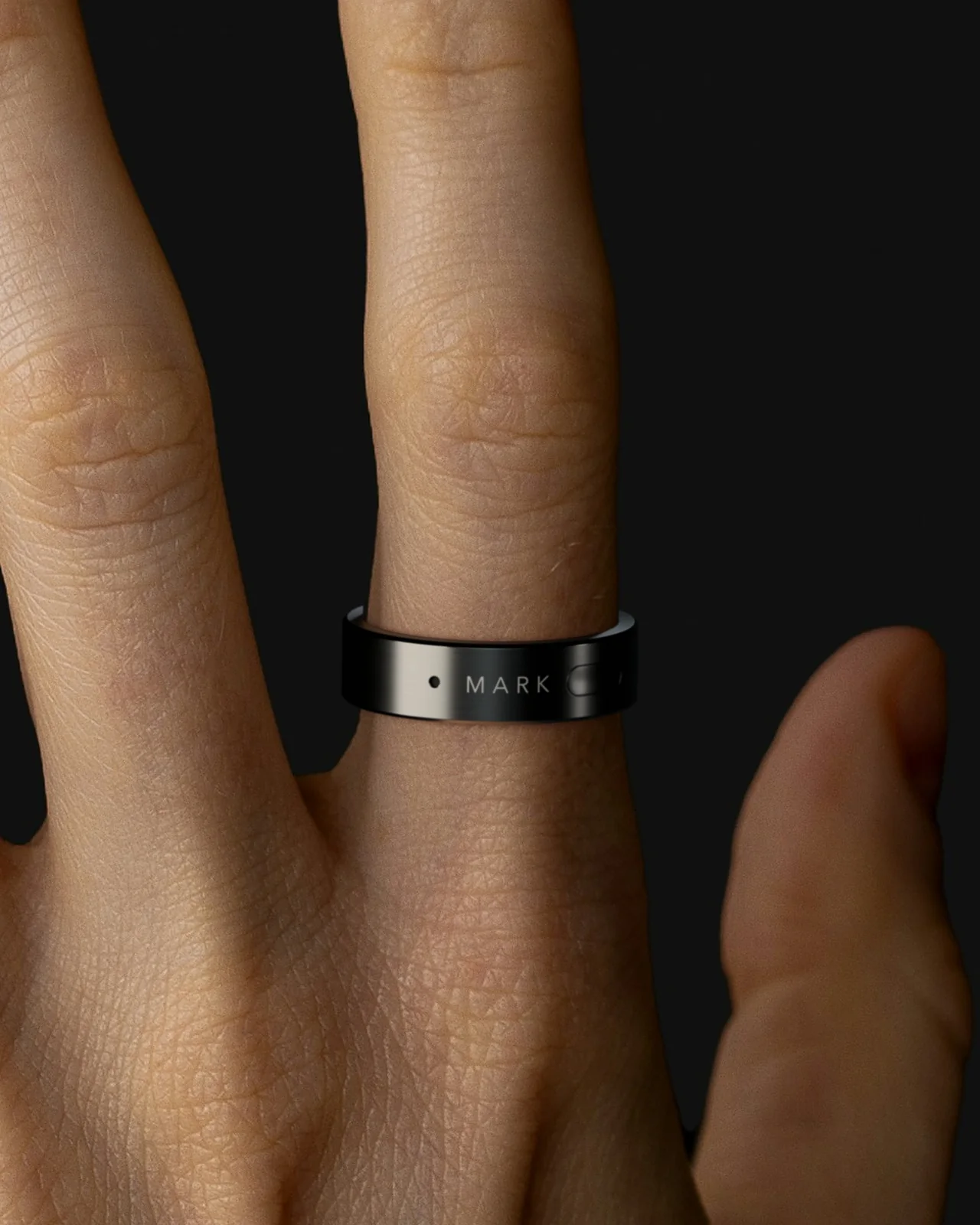
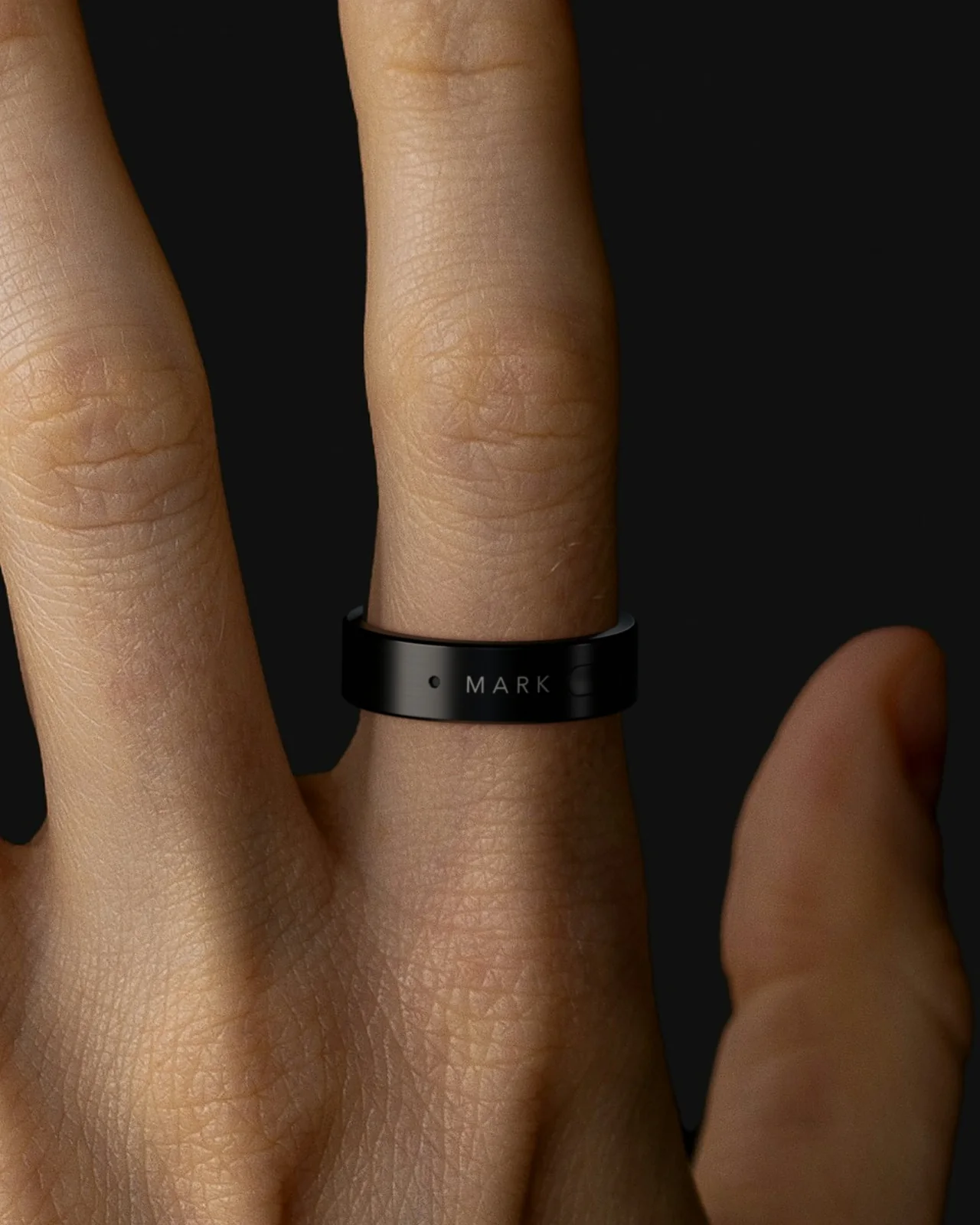
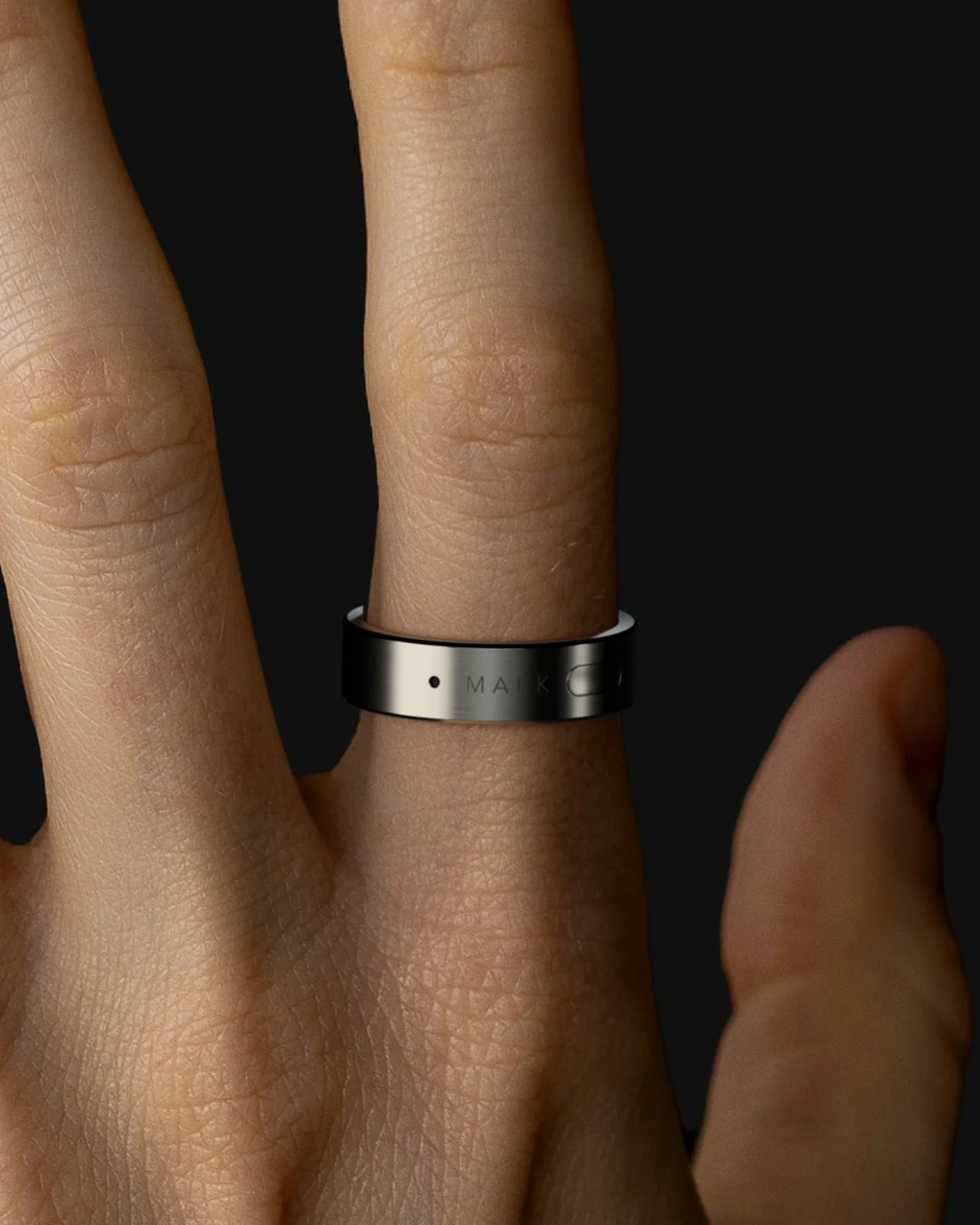
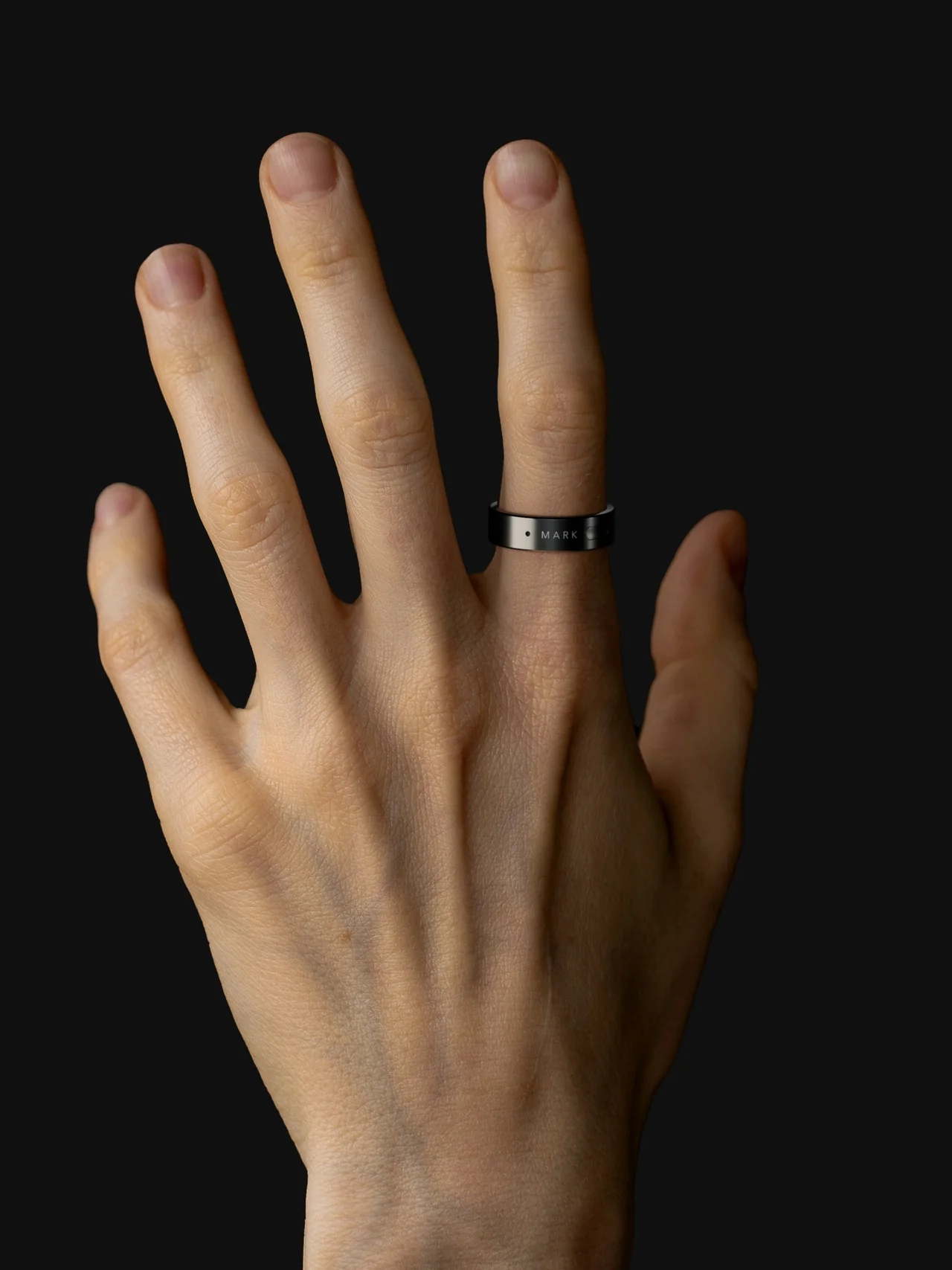
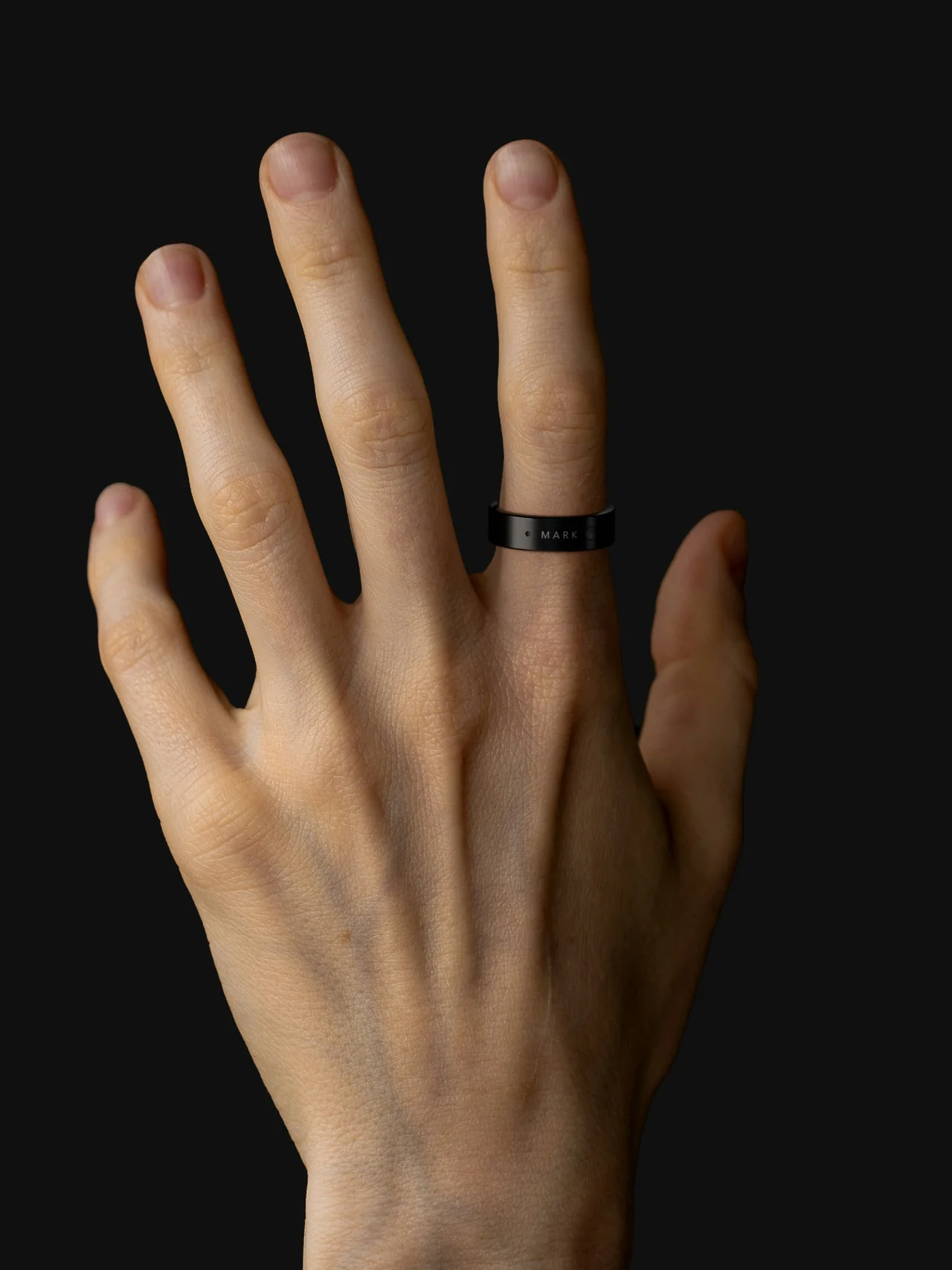
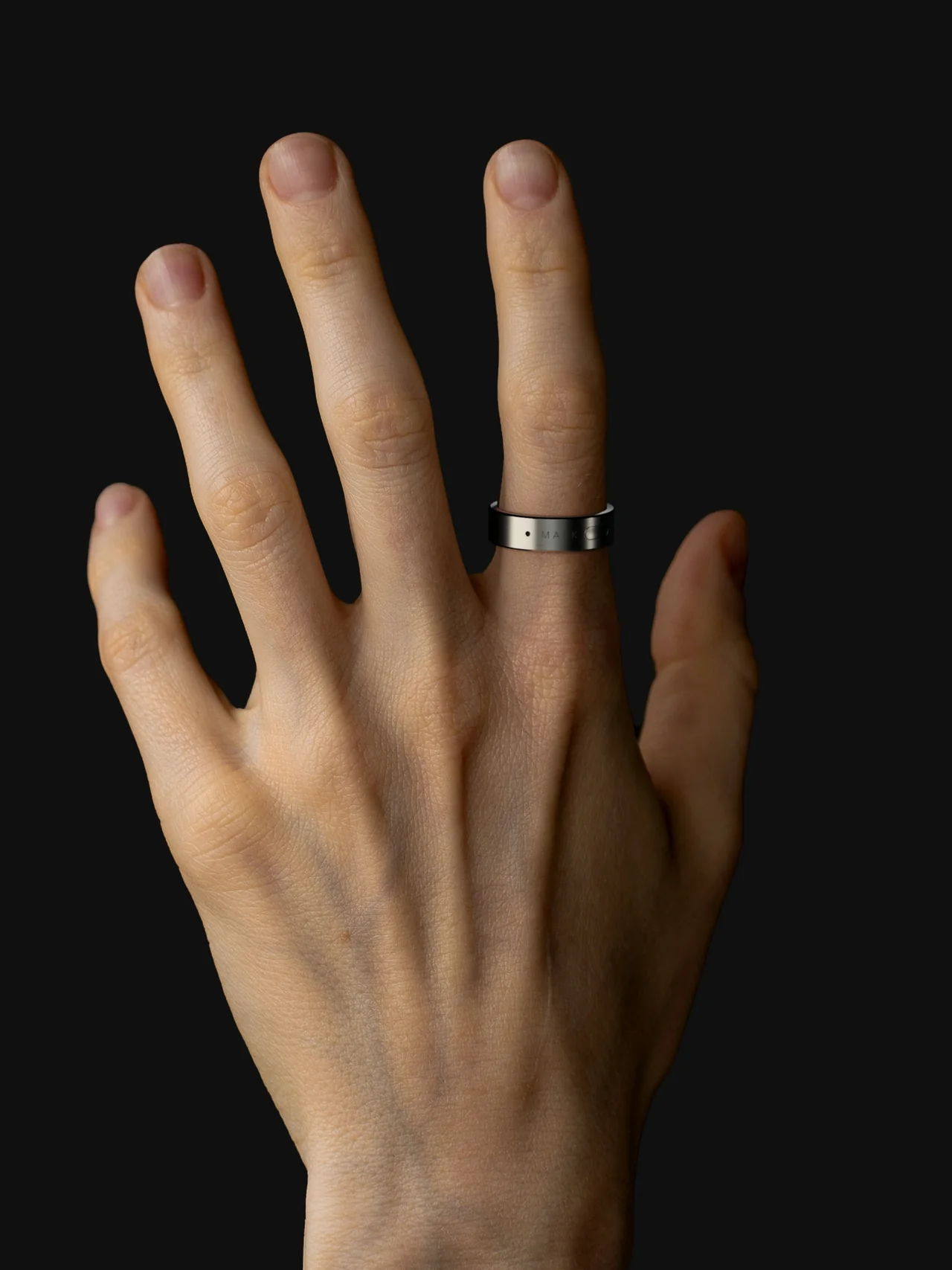
Sizes 6 to 13. Not sure which is yours? A free sizing kit comes first.
Things you can say
- Remind me to call Sam at five
- Ask Claude Code to ship the fix
- Tell Anna I’m running late
- Summarise the last email from the client
- Open the pricing page and compare the plans
- Put lunch with Max on Friday
- What’s on my calendar this afternoon
- Have Codex open a pull request
- Move my four o’clock to Thursday
- Post the standup note in Slack
- Find the contract in Drive
- Fill in this form with my usual details
- How long is the flight to Tokyo
- Reply yes to the last message
- Close every tab except this one
- Continue the last task
What it does
One sentence.
You say it. MARK works out which app or agent should handle it, does the work, and taps your finger when it’s finished.
“Export the pricing page from Figma and send it to Max.”
- Figma opened the pricing page
- Export Pricing.pdf saved
- Mail new message to Max
- Sent with the PDF attached
Figma · Pricing page
Pricing.pdf
Mail · To Max
Pricing.pdf
Sent ✓
MARK opens the apps, clicks, types and moves files on your Mac or PC, step by step, while you keep doing something else.
“Ask Claude Code to fix the failing auth test.”
$ claude “fix the failing auth test”
● Reading auth.test.ts
● Editing session.ts +12 −4
● Running 48 tests
✓ All tests pass · pushed fix/auth-session
Start or continue work in Claude Code and Codex from anywhere in the room.
“What’s the weather in Lisbon on Friday?”
9:41
MARK · now
Friday in Lisbon: 21° and sunny.
No rain until Sunday evening.
Ask anything. The answer lands on your phone in a few seconds.
“Tell Anna I’m running ten minutes late.”
Anna
Telegram
Are you close? We’re about to start.
Running ten minutes late. Start without me.
Delivered
Telegram, Slack and email, sent from your own accounts.
“Find the cheapest flight to Berlin on Friday.”
Cheapest picked, seat held
MARK reads pages, compares, fills in forms and books.
“Lunch with Max on Friday at one.”
Mon
Tue
Wed
Thu
Fri
13:00Lunch, MaxEvents and reminders in Google Calendar, from one sentence.
“Note for the pitch: open with the customer story.”
Pitch idea
Open with the customer story, numbers second.
Voice · 6 s · just now
Landlord
Call about the lease before Friday
Gift for Sam
Something small. Titanium if possible
Say the thought while it’s warm. MARK transcribes, titles and files it.
Works with
The apps you already have open.
- Telegram
- Slack
- Gmail
- Google Calendar
- Claude Code
- Codex
- Chrome
- Mac
- Notes
Connect an account once in the dashboard and it’s ready by voice.
In your hands
It does the work.
You keep the say.
- Ask meMARK checks with you before every action.
- AutoIt asks only before things that can’t be undone.
- BypassIt just does it. For when you trust the routine.
Three levels of permission
Decide how much freedom MARK gets, for everything or app by app, and change it whenever you like.
Telegram · Anna
“Running ten minutes late. Start without me.”
Nothing leaves without you
When MARK asks, you approve with a tap on your phone or a press on the ring.
A tap, not a screen
One pulse on your finger means done, two means MARK needs you. The microphone is on only while you hold the pad.
Try MARK on your Mac.
Give MARK everyday tasks in the apps you already use.
Mac
The closed beta starts with the desktop agent.
iPhone and Android
Companion apps are in development.
MARK ring
The hardware is in development.
Questions
What can I ask MARK to do?
Try asking it to open an app, find information in a browser, draft a message or carry out a routine task on your Mac.
How do I join the beta?
Request access with your email. If you receive an invitation, follow the link to create your account.
Do I need the ring to try MARK?
You can try the desktop agent on a Mac. The ring is in development.
Can I order the ring yet?
Ring orders will open once the hardware is ready.